
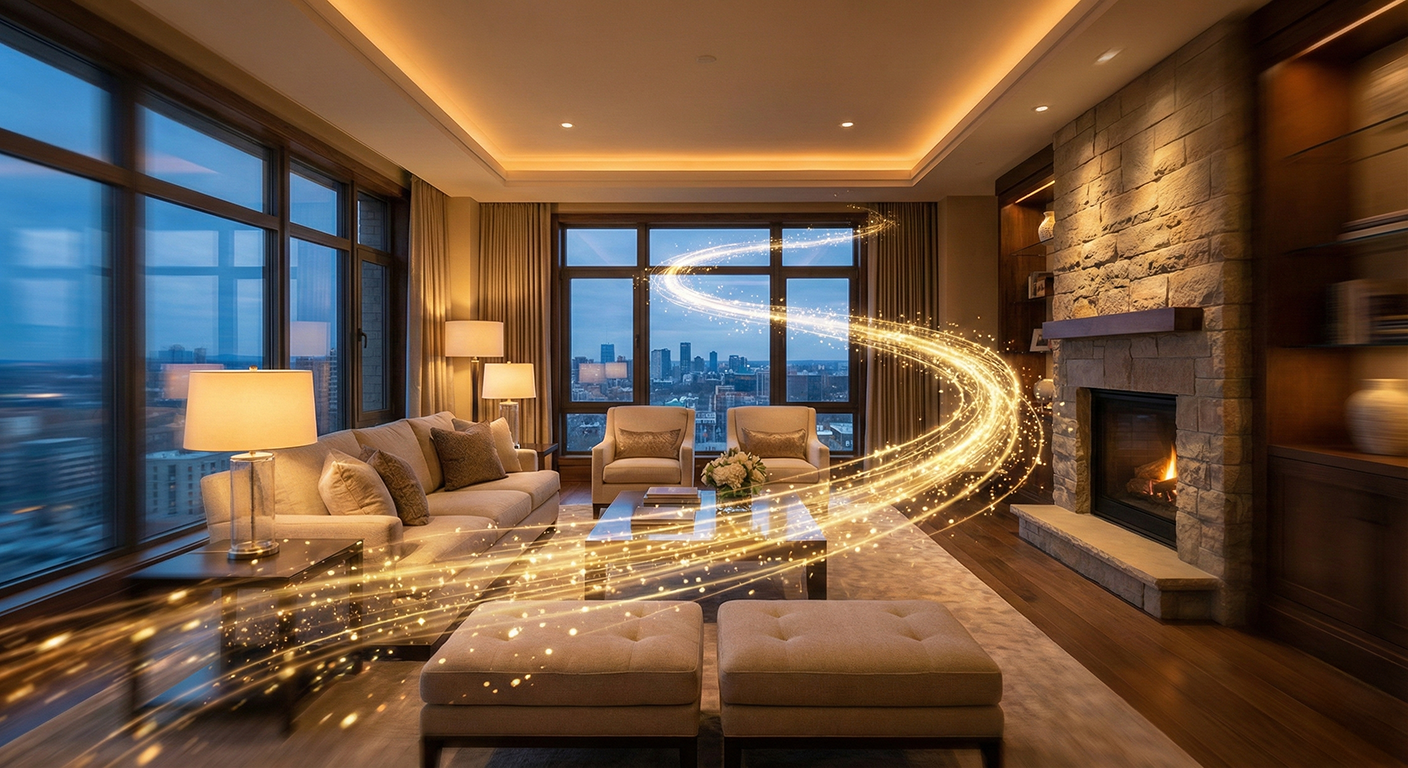
Magic Motion creates a short AI-generated video from a property photograph. Use it to add movement to a presentation, such as a gentle push toward a seating area. It is a visualization based on an image, not footage captured by a camera moving through the property.
Choose a source that can support movement
Start with a clear, approved photo. A frame with obvious room boundaries and few reflective surfaces is easier to inspect than a tight crop full of mirrors. If the source is virtually staged, approve the still image before spending credits on animation.
Build and review one clip
- Open Magic Motion for the chosen image and select a movement or describe a modest one.
- Check the displayed credit cost before generating. Video can take several minutes; review the completed result rather than assuming an instant turnaround.
- Watch the whole clip, including the opening and final frames. Look for stretching walls, shifting windows, morphing furniture, and invented areas beyond the original frame.
- Regenerate with simpler movement or return to a still image if the scene cannot be represented consistently.
A useful starting brief
Try: “A slow, subtle push toward the seating area. Keep the room layout and furniture stable; avoid revealing space outside the original photo.” The instruction guides the result but does not guarantee geometric accuracy.
Assemble a presentation with Wizard Reels
Arrange approved stills and clips in an order that makes the property easy to follow. Use accurate room labels and identify generated or staged material. Do not imply continuous travel between rooms when the source images do not establish their physical connection. Preview the final export, including captions and crop.
The current FAQ explains clip costs, Reel rendering, music, and plan access. These actions have different credit rules; an included Reel render does not make newly generated clips unlimited.
Keep a still-image alternative
A short clip is optional. If motion adds distracting errors or does not explain anything beyond the photo, deliver the approved still. Check the destination’s format and edited-media requirements before publication. See the image review checklist for the checks that should happen before animation.


