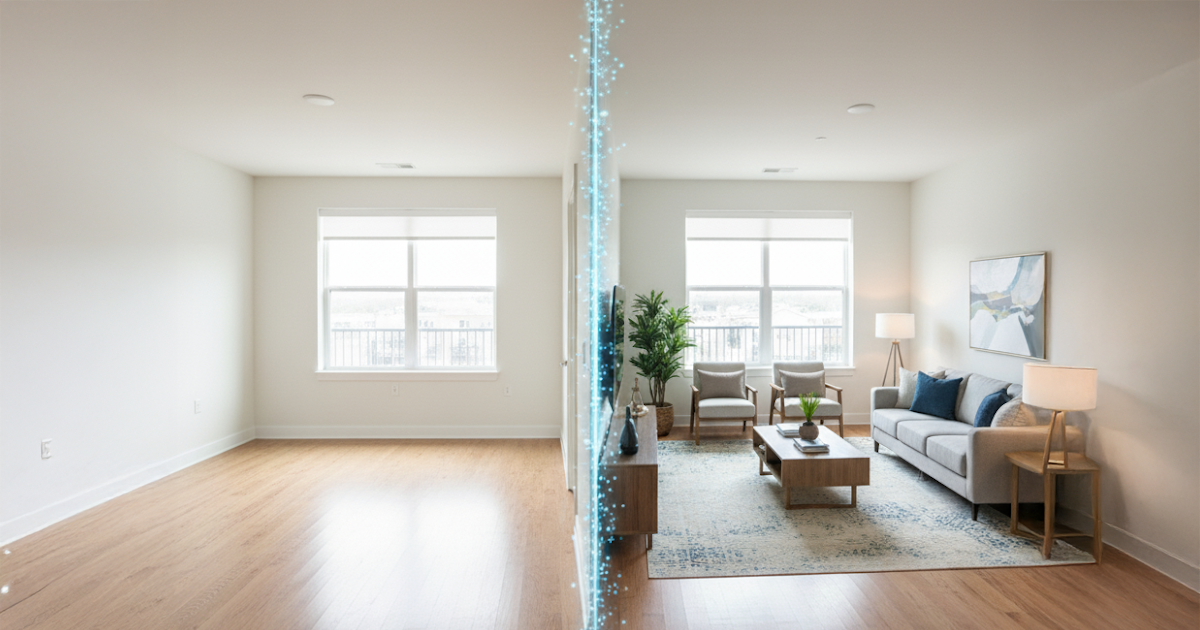

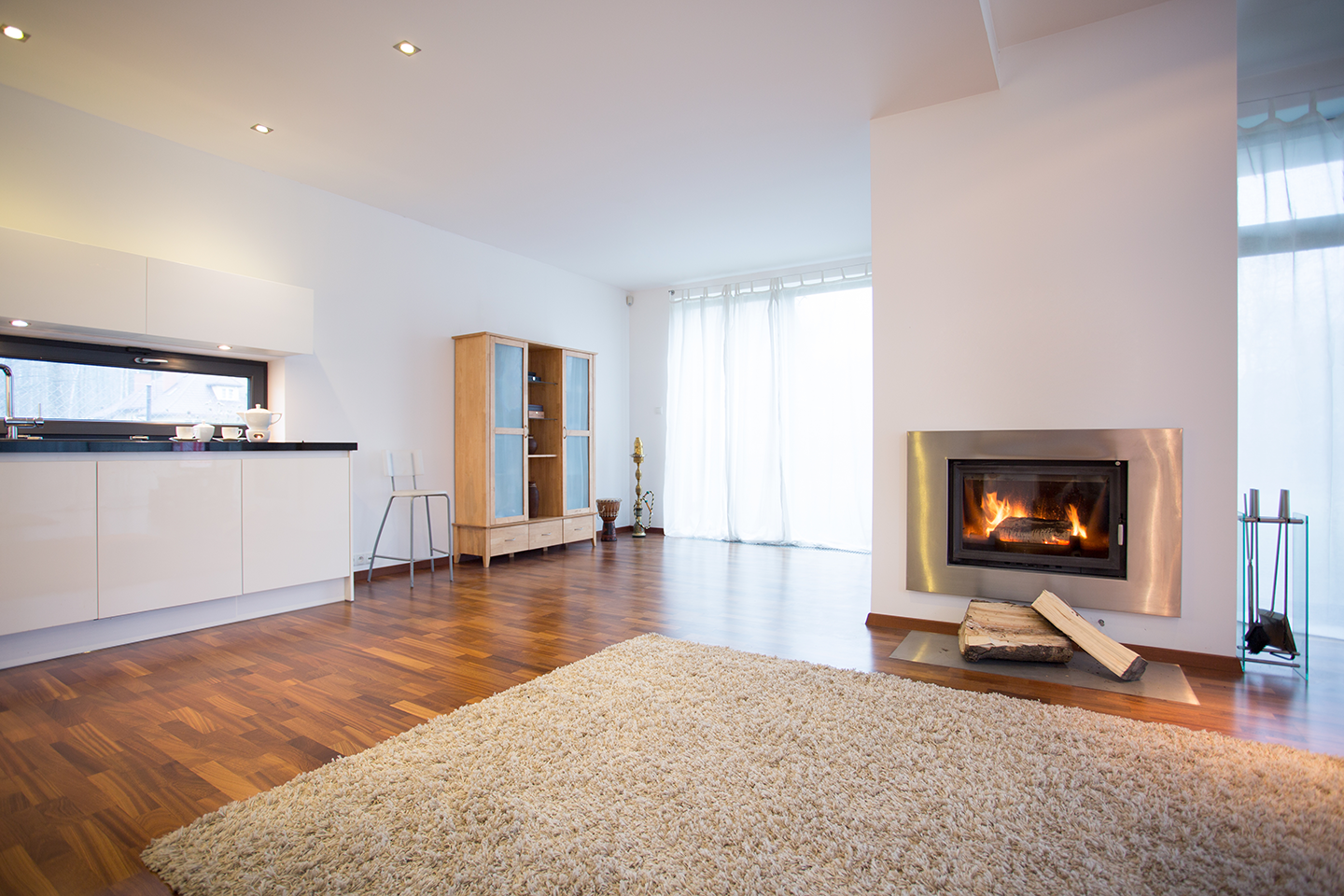
An empty room doesn’t exactly scream "host your holiday dinner here." It can be hard for buyers to feel that emotional connection when staring at bare walls and lonely floorboards.
As real estate professionals, you know that serious buyers are still looking during the holidays. They need a home now. This is where a little bit of professional magic comes in.
Summoning Warmth to Empty Spaces
At Staging Wizard, we believe every home deserves to look its best, especially during the holidays. You don't need to haul physical furniture through the snow or worry about rental timelines.
With just a few clicks, our AI-powered staging engine can take a vacant living room and transform it into a cozy, inviting space where buyers can envision their own traditions taking root. We’re talking plush sofas, warm lighting, and that "just right" atmosphere—summoned in mere seconds.
Seeing is Believing (The Magic Reveal)
Don't just take our word for it. Witness the transformation yourself. Slide to see how we turned this cold, empty space into a home ready for the holidays.

The Enchantment of "Wait, Is That Real?"
The true magic of Staging Wizard isn't just that it’s fast—it’s that it’s convincing. Our advanced technology understands lighting and room depth, ensuring that the furniture we place looks like it truly belongs there.
Whether you need a Modern Farmhouse vibe for a cozy cottage or a sleek Luxury look for a downtown condo, you can customize the style to fit perfectly.
A Special Holiday Treat for Your Listings
This Thanksgiving, let’s give your buyers something to be grateful for: a vision of their future home.
Don’t let your listings sit out in the cold this holiday season. Log in, upload your photos, and add that touch of magic that turns a "house" into a "home."
Happy Thanksgiving from all of us at Staging Wizard!